

Cancel a booking
Summary
Section titled “Summary”You cancel a booking on the Calendar screen in the KonversAI console. KonversAI sends a cancellation email to the customer and frees the time slot, so another customer can book it. You cannot cancel a booking that is in the past.
Who can do this
Section titled “Who can do this”A tenant administrator, or any team member whose role includes calendar access. If you do not see Calendar in the left sidebar, you do not have this access. Ask an administrator to change your role.
Before you start
Section titled “Before you start”The booking must be in the future. KonversAI shows the message Only future bookings can be cancelled. when you open a booking that has already happened.
Decide what you want the customer to read. The reason you type goes into the cancellation email word for word.
-
Select Calendar in the left sidebar of the console, then select Bookings.
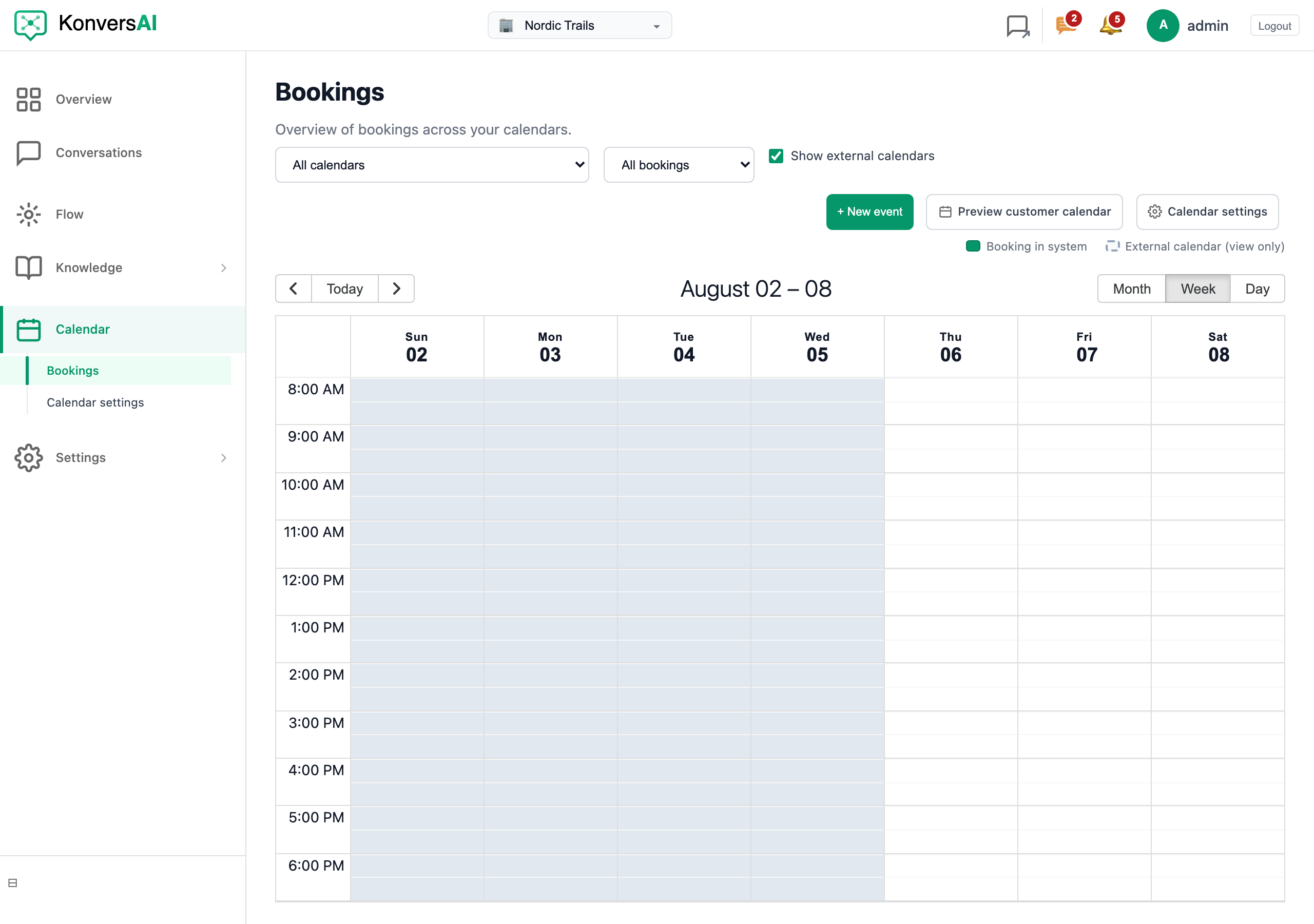
The Bookings screen. Select a booking to open its panel.
-
Find the booking. Use the date view, or filter by calendar.
-
Select the booking. The booking panel opens, with the customer, the time and the booking status.
-
Select Cancel booking.
-
A window opens with the title Cancel booking and the booking reference. It tells you: This sends a cancellation email and frees the slot.
-
Type your reason in Cancellation reason (optional). KonversAI includes this text in the cancellation email. Leave it empty to send the email with no reason.
-
Select Cancel booking to confirm. To stop and change nothing, select Keep booking.
The booking status changes to cancelled, and the time slot becomes available again the moment the cancellation completes.
Does the customer get an email when I cancel?
Section titled “Does the customer get an email when I cancel?”Yes. KonversAI sends the cancellation email as soon as you confirm. When you type a cancellation reason, the email includes that text. When you leave the reason empty, the email tells the customer that the booking is cancelled and says nothing more.
Can I undo a cancellation?
Section titled “Can I undo a cancellation?”No. A cancellation is final. Create a new booking for the customer instead, and tell them the new time.
Why is the Cancel booking button not available?
Section titled “Why is the Cancel booking button not available?”The booking is in the past. KonversAI only cancels future bookings, because a cancellation email about a meeting that already happened confuses the customer.
Does the time slot open again for other customers?
Section titled “Does the time slot open again for other customers?”Yes, immediately. The slot returns to the available times on your public booking page and in the assistant, as soon as the cancellation completes.
The customer had a calendar invite. What happens to it?
Section titled “The customer had a calendar invite. What happens to it?”When the booking sent a calendar invite, KonversAI sends a cancellation for that same event. The event disappears from the customer’s calendar, or it is marked as cancelled, depending on which calendar application they use.
Can the assistant cancel a booking for a customer?
Section titled “Can the assistant cancel a booking for a customer?”Not today. A person cancels the booking in the console. The assistant can answer questions about a booking and can help a customer make a new one.
I cancelled the wrong booking. What now?
Section titled “I cancelled the wrong booking. What now?”Create a new booking at the same time, for the same customer, and email them to explain. The customer already received the cancellation email, so tell them directly that the original time still stands.
Last reviewed . Tell us when a step no longer matches the product.